
TL;DR — The direct answer
GoHighLevel AI agent setup is the work of turning HighLevel's AI tools — Conversation AI, Voice AI and the AI Employee — into agents that answer correctly, book into the right calendar and hand off to a person when they should. GHL Ops does that engineering for agencies, white-label, from your monthly hour block.
HighLevel's AI suite is the most sellable thing in your stack and the easiest to botch. Any sub-account can have an AI agent switched on in minutes; a bot that hallucinates prices or books phantom appointments costs your client real money and costs you the account. You sell the AI. Our AI team handles the unglamorous part that makes it work: prompt engineering, knowledge-base training, guardrails, booking logic, human handoff, and test conversations before anything goes live.
What does a GoHighLevel AI agent setup include?
A complete setup covers everything between "the AI is switched on" and "the AI is safe to put in front of customers": the knowledge the agent answers from, the rules it must never break, the calendar it books into, the person it hands off to, and the testing that proves all of it works. We deliver each piece:
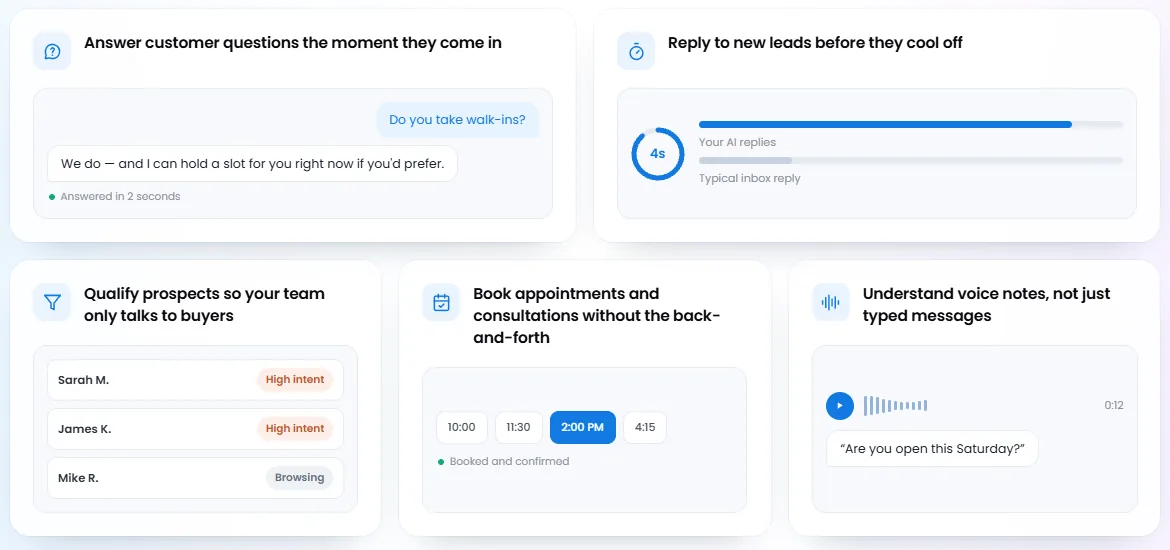
- Conversation AI bots for SMS, web chat and social DMs
- Voice AI receptionists that answer and book 24/7
- AI Employee setup, tuned to each client's business
- Knowledge-base construction and prompt engineering — services, prices, hours and FAQs from an approved brief
- Booking flows, qualification and human handoff rules
- Monthly tuning from real conversation transcripts
Which HighLevel AI agents do we set up?
We set up all three of HighLevel's customer-facing AI agents, and we connect third-party AI agents to HighLevel when a client already uses one. Each agent has a different job, so the right choice depends on where your client's leads arrive — text and chat, phone calls, or both:
| Agent | What it does | What we build |
|---|---|---|
| Conversation AI | Replies to leads on SMS, chat and social messages, qualifies them and books appointments | Bot training, brand voice, bot goals, booking settings, handoff rules |
| Voice AI | Answers inbound calls, makes outbound follow-up calls, books during the call and transfers to a person | Call script, knowledge, calendar booking, transfer conditions, after-call workflows |
| AI Employee | HighLevel's AI suite add-on, enabled at agency level and then per sub-account | Rollout trained on the client's services, prices and FAQs |
| Third-party AI agents | A voice or chat agent built outside HighLevel | The connection into HighLevel's contacts, calendars, pipelines and workflows |
HighLevel documents how each one works in its help centre: Conversation AI Bot — Explained and Overview of Voice AI Agents. One detail worth knowing before you sell Voice AI: HighLevel states that Voice AI only works on accounts using LC Phone or Twilio numbers.
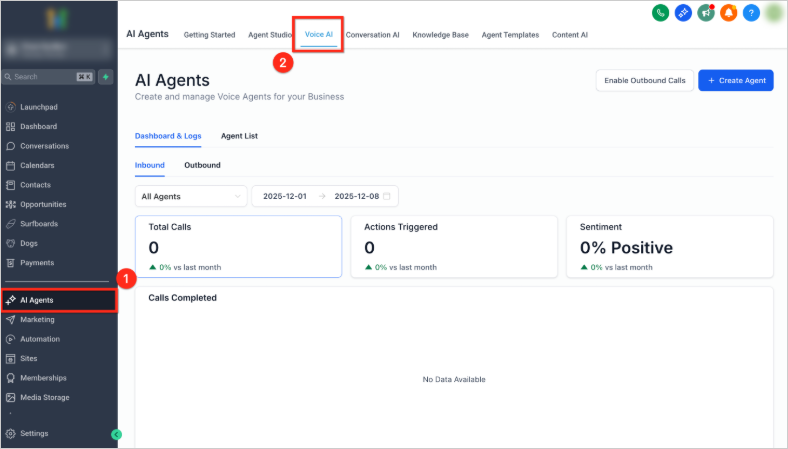
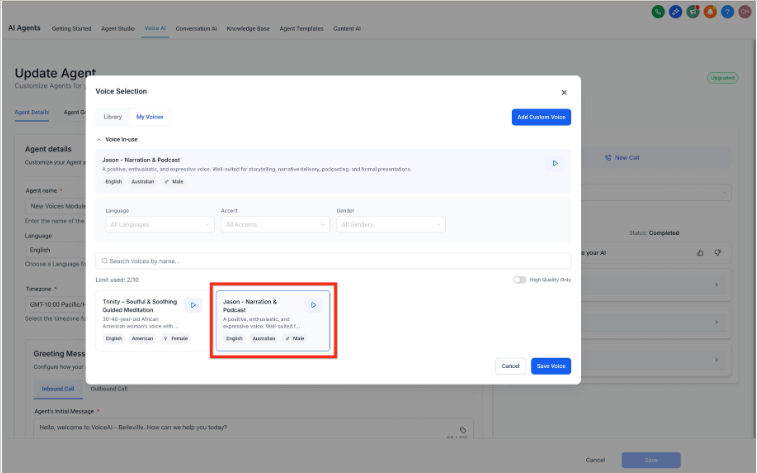
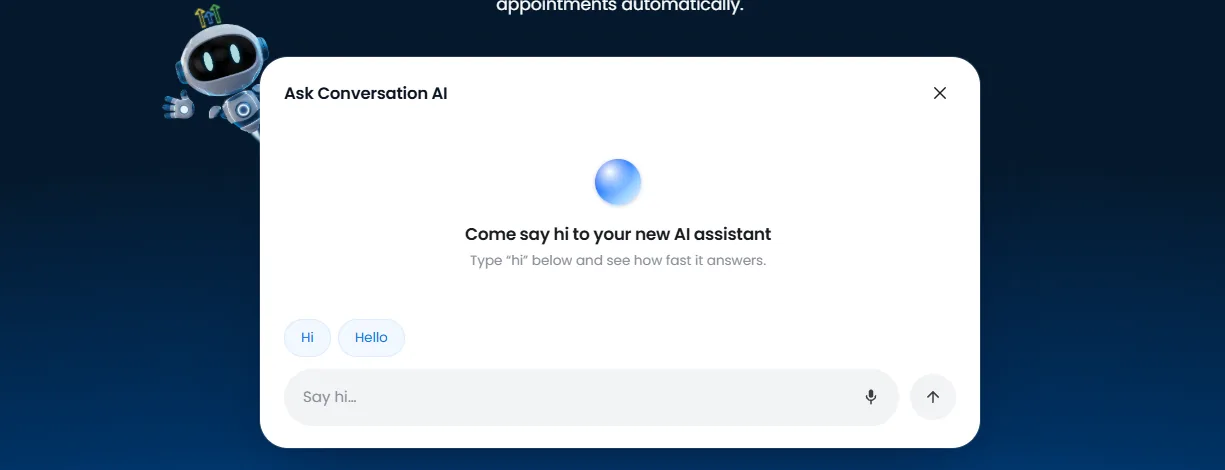
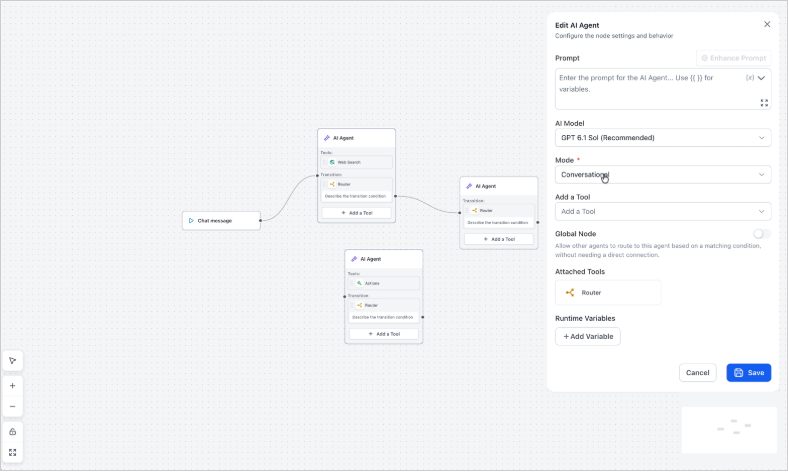
For agents that need more than one job, HighLevel's Agent Studio builds them as a visual flow: each AI agent node has its own prompt, model and tools, and a router passes the conversation between them. HighLevel explains how its Agent Studio agents differ from Conversation AI in Managed Agents, Conversation AI & Ask AI: What's the Difference?
Can you connect a third-party AI agent to HighLevel?
Yes. If your client already runs a voice or chat agent outside HighLevel, we connect it so the conversation still ends up where the agency works: on the contact record, in the pipeline and in the follow-up workflows. The connection runs through webhooks, custom values and HighLevel's API, which HighLevel documents on its developer portal.
The same rules apply as for a native agent: the agent answers from an approved brief, books into the right calendar, and hands off to a person when it should. If the outside agent cannot do one of those things, we tell you before we build, not after it goes live.
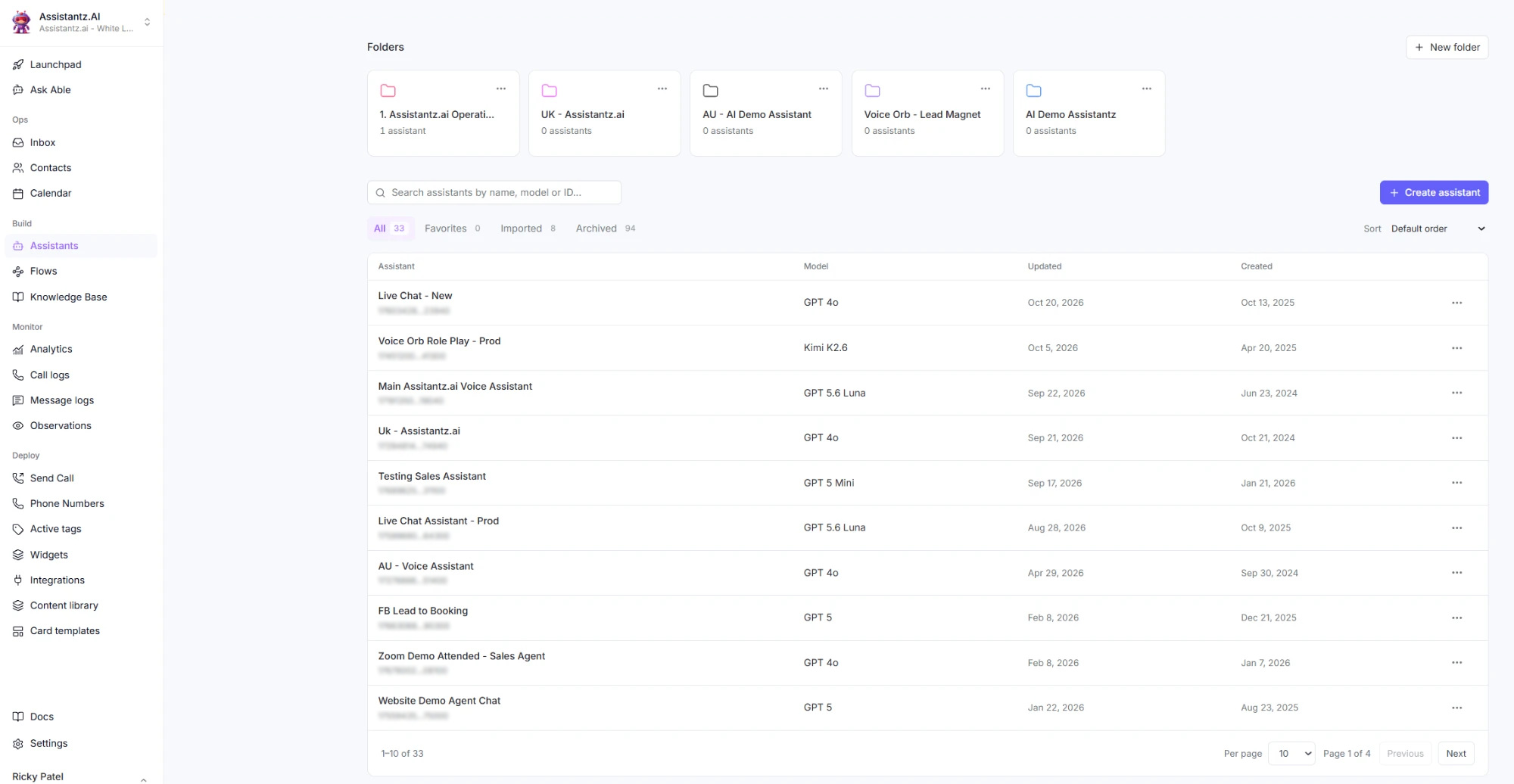
The platforms we connect include Assistantz.ai, our own voice and chat AI platform for HighLevel, whose assistants run outside HighLevel and hand their conversations, bookings and follow-ups back into it.
How do you stop an AI agent hallucinating prices or booking phantom appointments?
By writing down what the agent may say before it says anything, then testing it the way a real customer would. Every agent we build answers from an approved knowledge base, follows written rules it must never break, and is run through test conversations — normal, unclear and upset — before it touches a live client.
Two rules go into every build:
- The agent never states a price, discount or timeline that is not on the approved list. If it is not written down, the answer is "let me get someone to confirm that for you."
- The agent never diagnoses, guarantees an outcome, or takes a legal or medical position on the client's behalf.
Then the guardrail and QA pass: we confirm the booking lands on the right calendar, the contact record updates correctly, and the human handoff alerts a real person rather than writing a log entry nobody reads. Every failure is logged, fixed and re-tested. The full checklist is in our guide on how to set up the GHL AI Employee.
How does AI agent setup work with GHL Ops?
You book a free strategy call, sign up, and your onboarding call happens within 24–72 hours; work starts right after it. From then on you send requests in plain English and your dedicated project manager routes each one to our AI team:
- Brief. We collect the client's services, exact prices, hours, locations, brand voice, banned claims, lead rules and escalation contacts.
- Build. Knowledge base, prompts, bot goals, booking logic and handoff rules, wired into the client's existing pipelines and automations.
- Test. Real test conversations and a guardrail pass before launch.
- Launch. On one sub-account first, with the client's approval.
- Tune. Monthly tuning from real conversation transcripts.
Your project manager sends daily progress updates over WhatsApp or Slack, so you always know what shipped and what is next.
Have a client asking for AI?
Book a free 30-minute strategy call. Bring the client and the use case, and we will tell you which agent fits and what the build involves.
Book a Free Strategy CallIs it white-label? Will your team talk to my clients?
Everything we build ships under your agency's brand, and you own 100% of the work we deliver. Our team never contacts your clients directly, unless you ask us to run onboarding or help them with tasks — then we do it as your team, under your brand. The AI agent itself talks to your client's leads, in your client's name.
What does AI agent setup cost?
AI agent work is not a separate line item. It draws from the same monthly hour block as every other GHL Ops service, so one week can go to a Voice AI build and the next to a funnel. If a month needs more, extra hours are bought in 10-hour blocks at your plan's hourly rate. Compare the plans.
HighLevel's own AI usage is billed by HighLevel, separately from our hours. Whether you rebill that usage to your client or resell AI at a flat price is covered in how agencies sell and deliver GoHighLevel AI.