TL;DR — The direct answer
GoHighLevel reputation management asks customers for reviews, replies to the reviews that come in, and shows them on your client's website. GHL Ops sets it up in the client's sub-account under your brand: Google Business Profile connected, review requests sent to every customer inside Google's rules, Reviews AI on the right mode, and widgets live.
Reviews are one of the easiest recurring services an agency can sell to local businesses, and one of the easiest to get wrong. The tools in GoHighLevel (GHL, HighLevel) can ask, reply and display; the judgement is in asking the right way, so the client's Google profile gains reviews without breaking Google's rules.
What does GoHighLevel reputation management include?
Four jobs, all inside the client's sub-account: connecting the client's Google Business Profile, sending review requests by text and email after each job, replying to reviews with help from Reviews AI, and showing reviews on the client's website with a review widget. We set up each one and connect them to the client's existing workflows.
How do you connect Google Business Profile to GoHighLevel?
In the client's sub-account, go to Settings, Integrations, find Google Business Profile and click Connect. The Google account used needs Owner or Manager access to the business location, and the business must already be verified with Google, or the integration will not work.
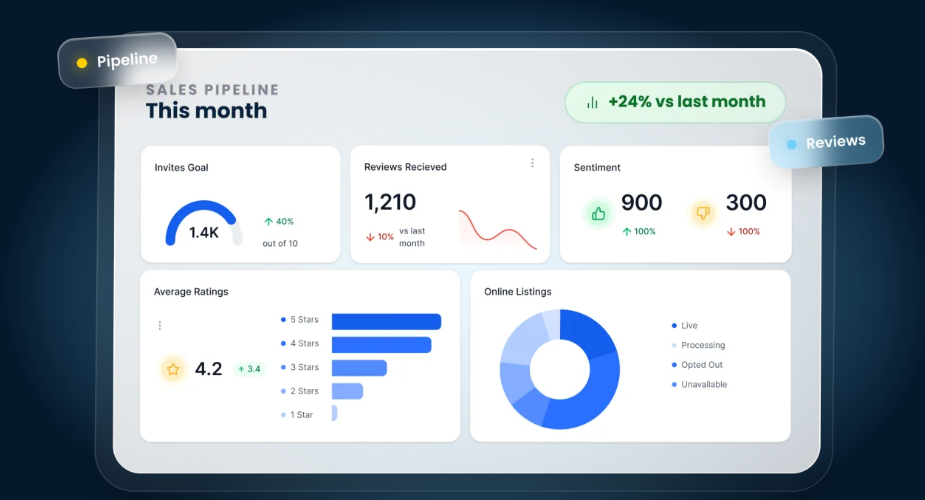
Once connected, new Google reviews sync into Conversations, where the team can reply without leaving HighLevel, and the Reputation tab tracks them — all described in HighLevel's article on integrating Google Business Profile with HighLevel. If locations do not appear, the Google account usually lacks access to them.
How do you send review requests in GoHighLevel?
Automatically, with a workflow. HighLevel's Send Review Request action sends a request by text or email, using the message set in the client's Reputation settings, and is usually triggered when a job or appointment is completed — so every customer is asked at the moment their experience is fresh.
HighLevel's Review Request workflow action article uses "Appointment Completed" as its example trigger, which is where we usually start for service businesses booked through GoHighLevel calendars.
Text requests depend on A2P 10DLC
A review request by text to a US phone is a business SMS, so it needs the same A2P 10DLC registration as reminders. We check it first; our A2P 10DLC registration service covers it if it is missing.
Who gets asked
Every customer, on the same schedule. We do not build flows that ask only the happy ones, for the reason in the next section.
What does Google's review policy allow?
Google lets a business ask customers to share their genuine experience, as long as it offers no incentive and does not try to influence the rating or what the review says. It prohibits incentives, discouraging negative reviews, selectively asking only for positive ones, pressuring customers on the premises, and staff quotas.
That is the plain reading of Google's prohibited and restricted content policy for Maps user-generated content. We build every client's review flow to it:
- No incentives: no discounts, gifts or payment in exchange for a review.
- No selective asking: every customer gets the same request; there is no first question that sends happy customers to Google and everyone else elsewhere.
- No pressure or quotas: no asking for a review on the spot, no review targets for staff, and no requests for specific content.
Why a "happy customers only" filter is a risk
Some setups ask customers how they feel first and only send the satisfied ones to Google. That is selective solicitation, which the policy prohibits, and it puts the client's Google profile at risk. Private feedback is still valuable; we collect it as well as, never instead of, the public request.
How does Reviews AI work in GoHighLevel?
Reviews AI writes replies to incoming reviews. In Suggestive mode, a team member clicks AI Reply to get a draft, edits it and sends it. With automatic responses, configured Reviews AI agents reply on their own. The agency first enables Reviews AI, then each sub-account chooses its mode.
HighLevel's guide to Reviews AI Suggestive and Auto-Pilot modes explains the settings. Agencies manage access from the AI Suite, and a sub-account changes its mode under Reputation, Settings, Reviews AI.
What it costs and how agencies re-bill it
HighLevel bills Reviews AI per AI-assisted reply sent, and a reply that is substantially rewritten counts as a manual reply. Agencies using SaaS Mode can re-sell it to sub-accounts with a markup. We set the mode per client: drafts for a person to approve on negative or mixed reviews, automatic replies only where the client is comfortable with them.
How do you show reviews on a client's website?
With a review widget. HighLevel's widget combines reviews from sources such as Google and Facebook into one branded display, with layouts such as list, grid, carousel and slider, filters by platform and rating, and new reviews appearing automatically.
It drops into a HighLevel site or funnel as a Reviews element, and the embed code works on other websites too, according to HighLevel's article on customizing review widgets. We match it to the client's site design and place it where buyers decide.
How do you handle negative reviews?
Quickly, publicly and politely. The team is alerted, the reply acknowledges the problem and moves the conversation offline, and a person — not an automatic reply — handles anything sensitive. A business cannot discourage negative reviews under Google's policy; it can respond to them well.
Want your clients' review flow done properly?
Book a free 30-minute strategy call. Tell us how your clients collect reviews today and we will map a setup that grows them inside Google's rules.
Book a Free Strategy CallWhat do I get when GHL Ops sets it up for my agency?
Reputation management that runs on its own: Google Business Profile connected, review requests by text and email after every job to every customer, Reviews AI on the right mode per client, a review widget on the client's site, and alerts for new reviews. All under your brand.
- Included in your plan: this work draws from your monthly GHL Ops hour block — Starter $480/month for 40 hours, Growth $1,000/month for 100 hours, Scale $1,440/month for 160 hours. No setup fees, no contracts.
- Built in your account: you add us as team members with permissions you control, and you own 100% of the work.
- White-label: we never contact your clients directly, unless you ask us to run onboarding or help them with tasks — then we do it as your team, under your brand. Requests and replies go out in your client's name.
Reputation management is one part of our GoHighLevel setup services, alongside SEO, GEO and AEO for the same clients.