
TL;DR — The direct answer
GoHighLevel workflow automation is building the workflows, pipelines and calendars that move a lead from first enquiry to a booked, reminded and followed-up appointment without anyone doing it by hand. GHL Ops designs, builds, tests and documents those systems for agencies, white-label, from your monthly hour block.
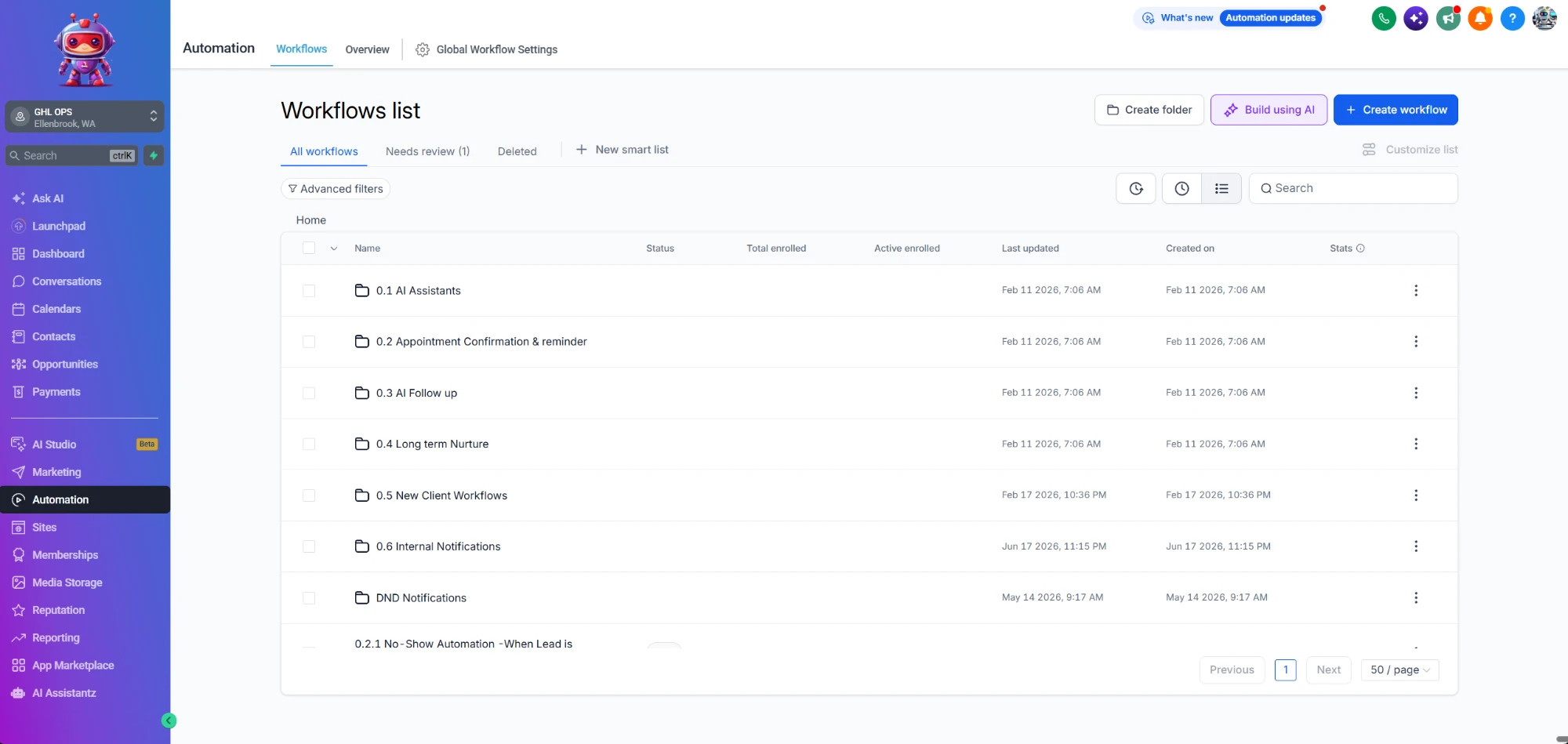
Anyone can drag five actions into a workflow. Very few can architect an automation system that survives contact with real clients — no double-fires, no orphaned tags, no SMS going out at 3am. Our automation architects design, build and document every workflow: naming conventions, folder structure, test contacts and edge cases. We also untangle the workflows someone else left behind.
What does GoHighLevel workflow automation from GHL Ops include?
It covers every automated step between a lead arriving and that lead becoming a paying, onboarded client: the first reply, the follow-up, the booking, the reminders, the no-show recovery, the pipeline stage changes and the internal notifications that tell a person when to step in. We build each one as part of a single system:
- Lead nurture and speed-to-lead sequences — call, SMS and email inside 60 seconds
- Appointment confirmations, reminders and no-show recovery
- Follow-up and long-term nurture sequences that stop the moment a lead books
- Client onboarding automation for new clients
- Pipeline and stage automation with clean logic
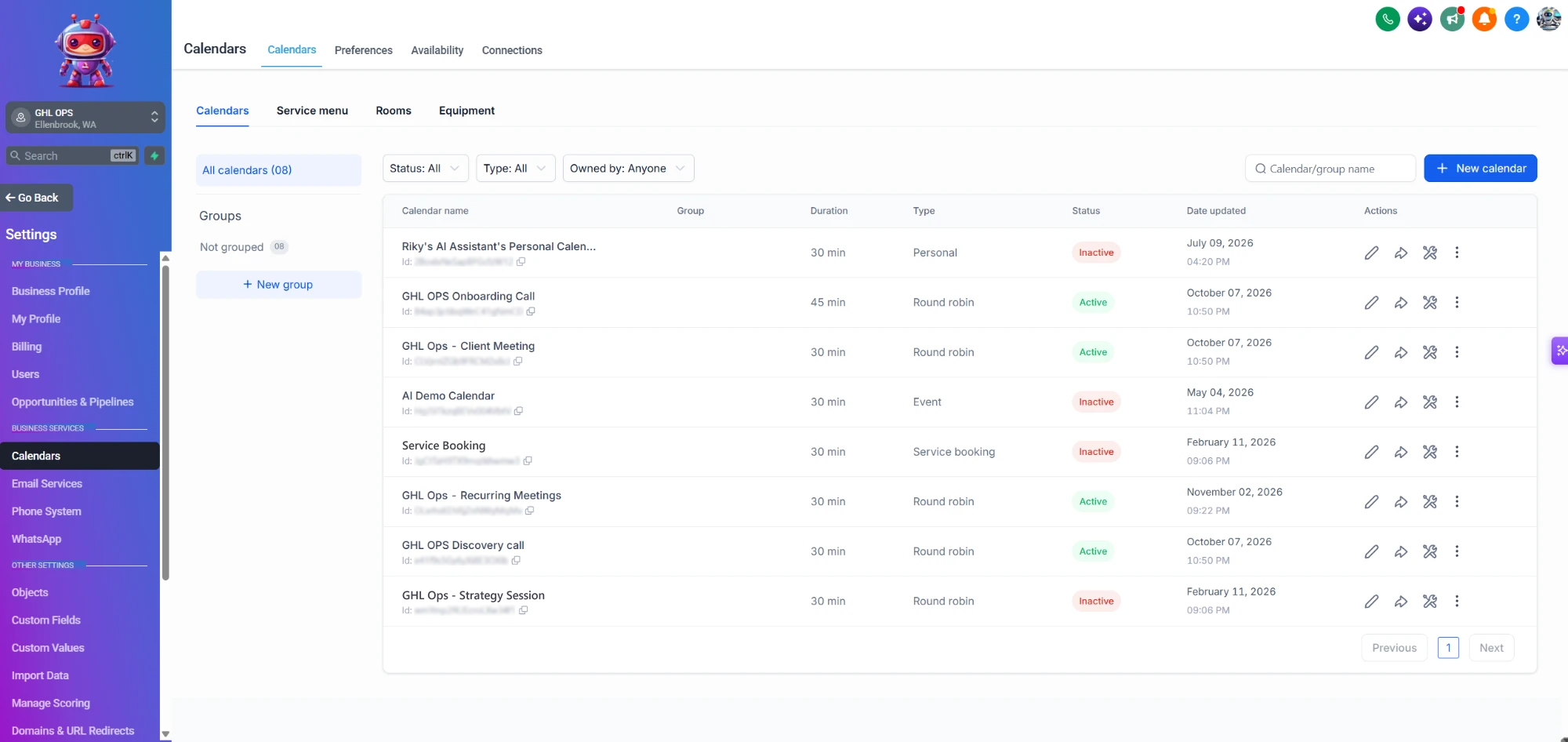
- Calendars — availability, buffers, round-robin and teams
- Review requests and reputation flows
- Webhooks, custom values and premium actions
- Workflow audits, cleanup and documentation
Every workflow is built from HighLevel's own building blocks — triggers, conditions, waits and actions such as Send SMS, Send Email and Add Task. HighLevel lists them all in What Are Workflow Actions? (Complete List).
How do you automate appointment confirmations, reminders and no-shows?
With a show-up system: a confirmation the moment the appointment is booked, reminders at set times before it, an easy way to reschedule, and a no-show sequence that tries to rebook anyone who missed it. Each message checks the appointment's current status first, so nobody is reminded about a call they already cancelled.
In our own account, for example, a booked call triggers a reminder one hour before, a personal check-in 30 minutes before, and a reminder with the meeting link 10 minutes before. A reply such as "YES" lands in the team inbox like any other conversation, so a person can pick it up.

How do follow-up sequences work without spamming leads?
A good follow-up sequence checks before every message whether the lead has booked, stops the moment they do, spreads messages across sensible sending windows, and has a hard limit on attempts. When the limit is reached, the lead moves into a slower long-term nurture instead of receiving the same message again.
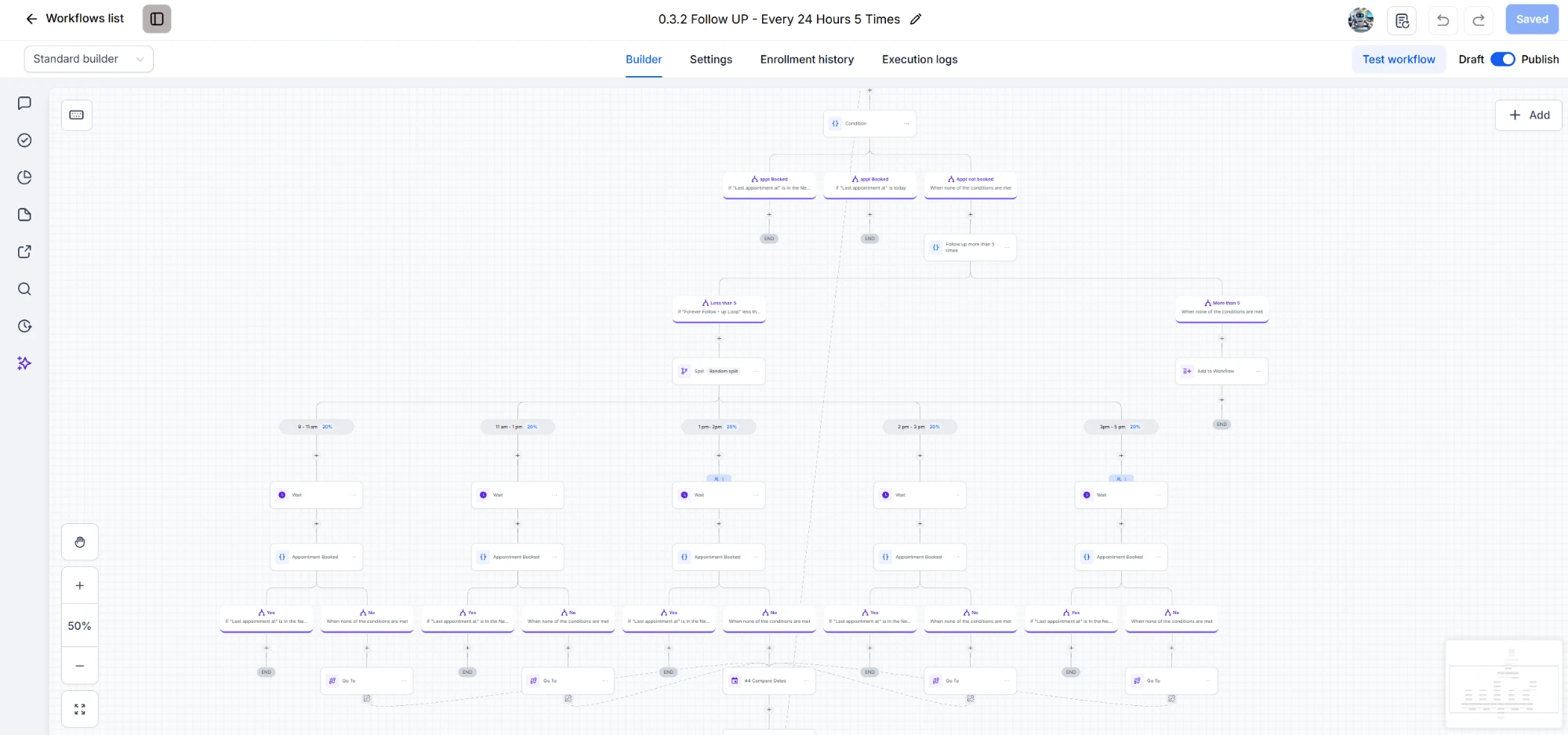
That is the logic in the workflow pictured at the top of this page: it runs once every 24 hours up to five times, splits sends across time slots during the day, waits, re-checks for a booking, and hands the lead to another workflow after the fifth attempt.
How do you set up pipelines, calendars and round-robin?
Pipelines are built to mirror how the client really sells, with stages that move automatically when something happens — a booking, a reschedule, a no-show, a showed-up call. Calendars get correct availability, buffers and team routing, so bookings never double up and every enquiry reaches a person who is free.

For teams, round-robin calendars share bookings across the people you choose. HighLevel offers availability-based or equal distribution, explained in its round-robin calendar guide. We pick the right one per client and connect each calendar to the reminder workflows above.

What is client onboarding automation in GoHighLevel?
Client onboarding automation is the set of workflows that runs when a new client signs up: the welcome messages, the tasks for your team, the internal notifications, and the setup of the client's sub-account. It replaces the checklist someone used to work through by hand, so no new client waits on a forgotten step.
HighLevel does not onboard or support an agency's end clients — only the agency itself. We build the back-end layer that closes that gap: onboarding automations and snapshot deployment, so every new sub-account starts with the same tested pipelines, calendars and workflows.
Can automated texts stay A2P 10DLC compliant?
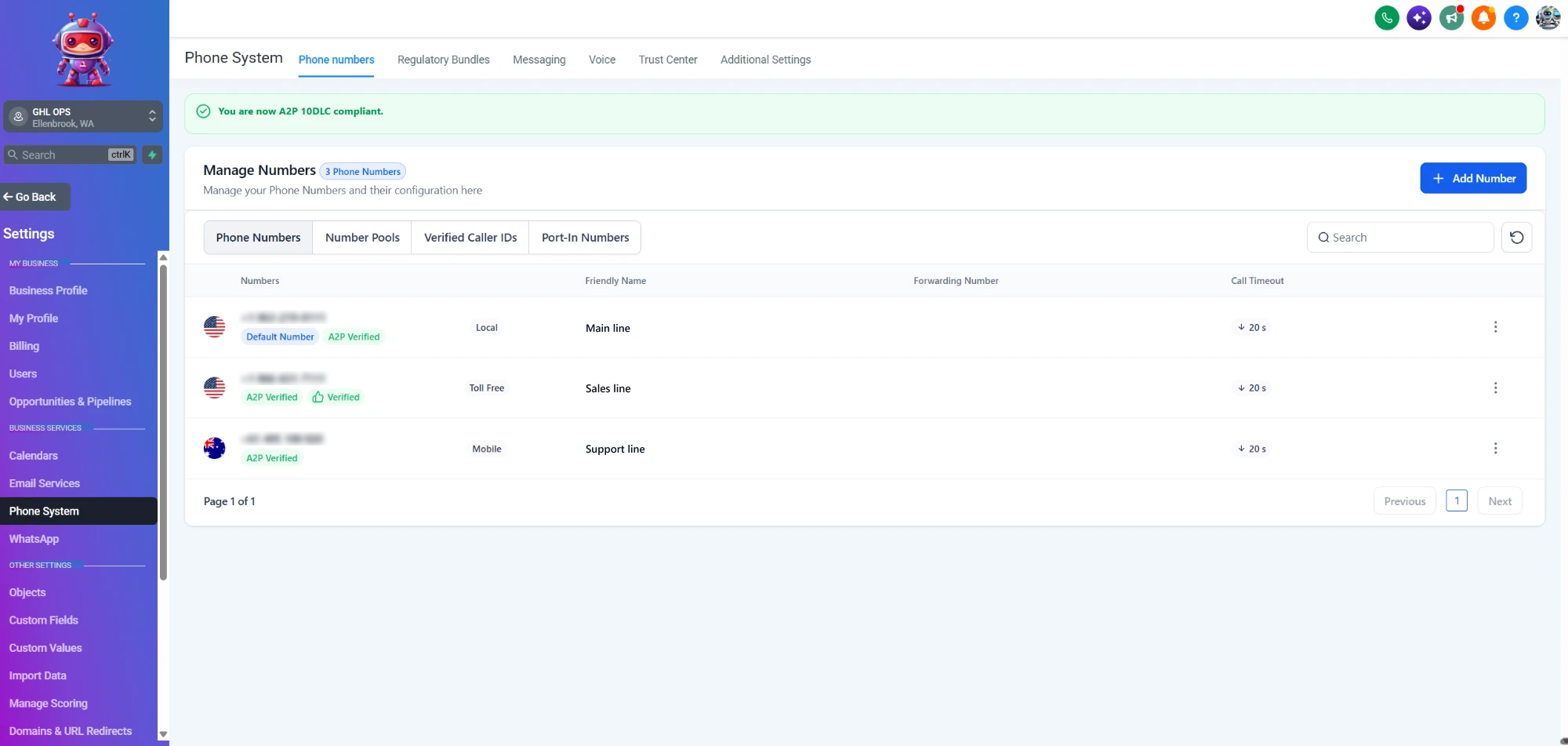
Yes, and they have to. A2P 10DLC is the US carrier registration system for business text messaging: carriers require a registered brand and a registered campaign before a GoHighLevel number can reliably text American phones. We prepare and submit the registrations through our A2P 10DLC registration service, so the reminders and follow-ups above are actually delivered.
The full checklist, and the mistakes that get messages filtered, are in our guide to GoHighLevel deliverability and A2P 10DLC.
Can you fix workflows someone else built?
Yes. Workflow audits, cleanup and documentation are part of the service. We map what each existing workflow does, find the double-fires, dead branches and orphaned tags, fix or rebuild what is broken, and leave the account with a folder structure and naming convention your team can follow. Bring us the mess; we'll bring back a machine.
Have a client account full of broken workflows?
Book a free 30-minute strategy call. Tell us what the client needs automated and we will tell you what the build involves.
Book a Free Strategy CallHow does automation work with GHL Ops, and what does it cost?
You book a free strategy call, sign up, and your onboarding call happens within 24–72 hours; work starts right after it. Send requests in plain English and your dedicated project manager routes each one to our automation team, with daily progress updates over WhatsApp or Slack.
Automation draws from the same monthly hour block as every other GHL Ops service — there is no separate automation retainer. If a month needs more, extra hours are bought in 10-hour blocks at your plan's hourly rate. Compare the plans.
Is it white-label? Will you talk to my clients?
Everything we build ships under your agency's brand, and you own 100% of the work we deliver. We never contact your clients directly, unless you ask us to run onboarding or help them with tasks — then we do it as your team, under your brand. The automated messages themselves go out in your client's name.